Launching Soon

Master your coursework with AI summaries

Never miss a detail. Lecture Lens transcribes, summarises, and highlights key concepts from your recorded lectures, helping you study smarter, not harder.

By clicking Notify Me, you agree to receive launch updates in accordance with our Privacy Policy. We'll send an email link to confirm your address. Unsubscribe anytime.
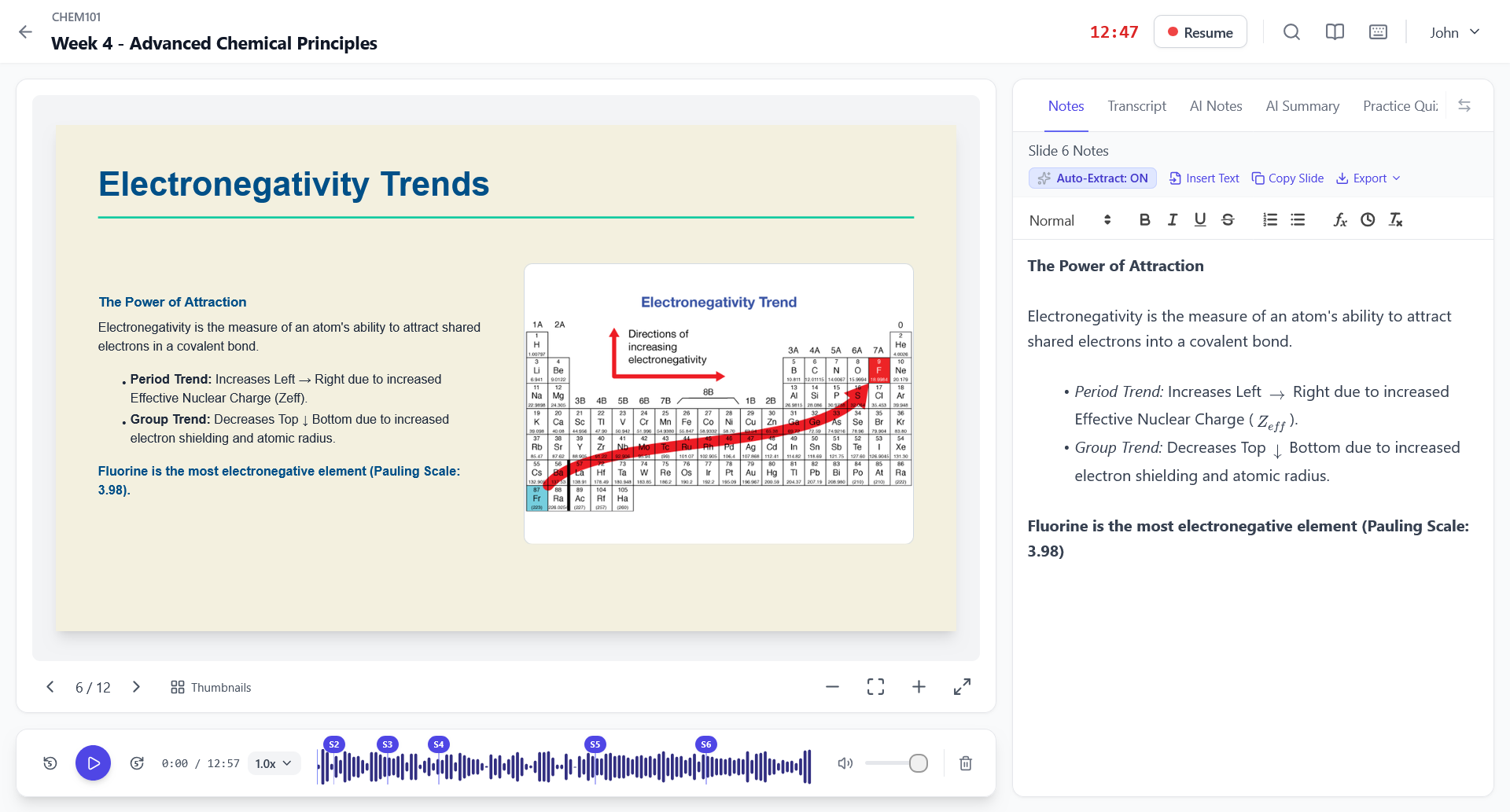
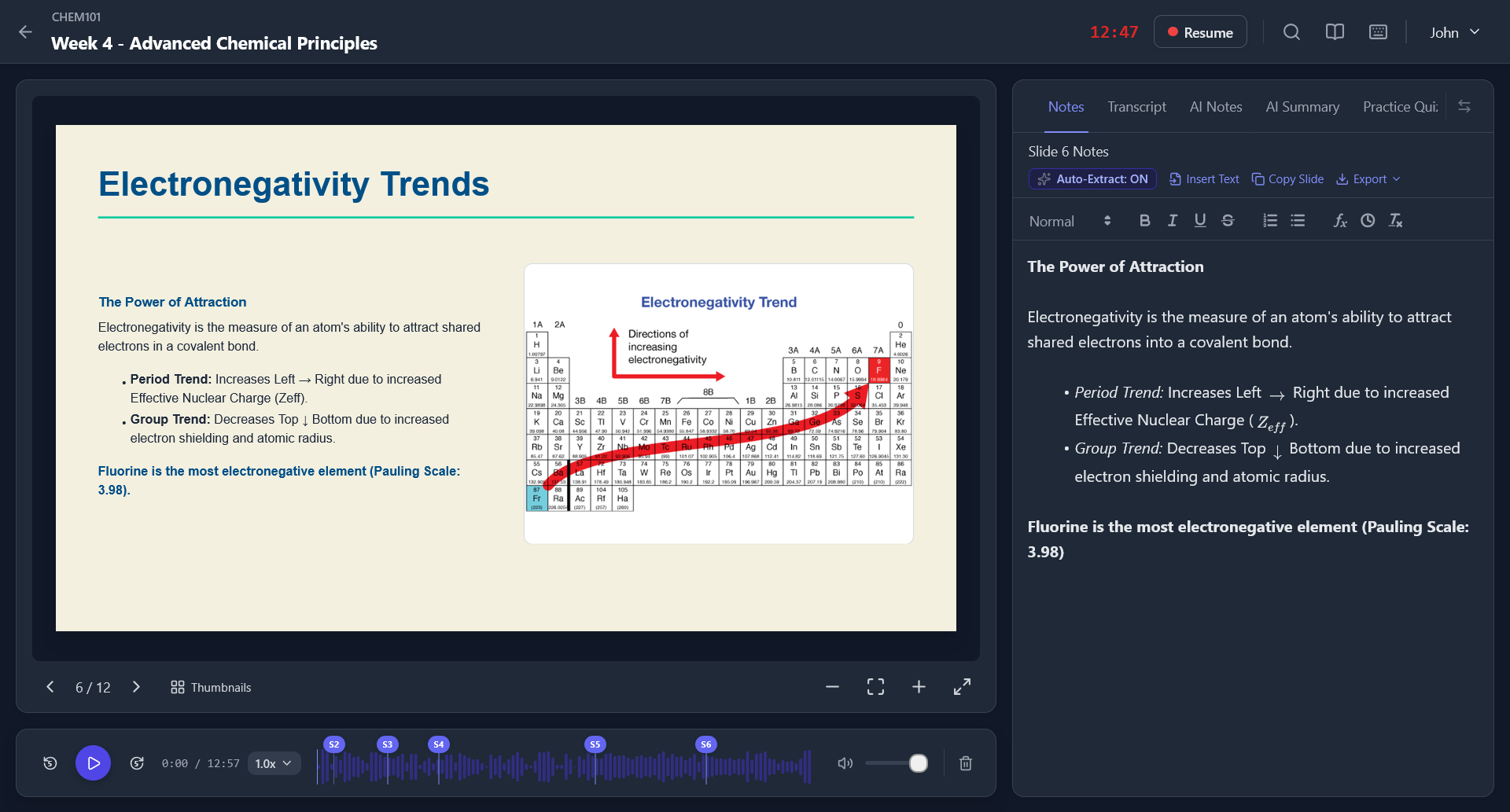
Lecture Visualisation

Features

Everything you need to ace the exam

Live & Automated Transcription

Follow along with real-time live transcription in your browser as you record, or generate comprehensive automated transcripts directly from your lecture audio.

AI Summaries

Get concise summaries of hour-long lectures, highlighting the most important topics and definitions.

Integrated Slides

Upload your PDF slides and view them side-by-side with your notes. Easily extract text directly from the slides.

Rich Text Notes

Take beautifully formatted notes per slide, including bullet points, mathematical formulas, and text highlighting.

Process

How Lecture Lens works

1

Upload & Record

Upload your class slides and then hit record to get started.

2

AI Processing

Our AI seamlessly transcribes the audio and generates notes & concise, accurate summaries.

3

Review & Ace

Study from your perfectly organised workspace and ace your upcoming exams.

FAQ

Frequently asked questions

Can I export my notes?

Absolutely. You can easily copy your entire rich-text notes or slide-specific notes directly to your clipboard to paste into Notion, Word, or any other note-taking app you prefer.

Do I need any special hardware?

No special hardware is required. Lecture Lens works right in your browser. You can use your laptop's built-in microphone, a headset, or even capture desktop audio for online classes.

What types of files can I upload?

Currently, we support PDF and PPTX files for slide uploads. We are continually working to add support for more formats.

Is my data secure?

Yes, we take your privacy seriously. Your recordings, transcriptions, and notes are securely stored in the cloud and are only accessible by you.

Can I use Lecture Lens on my phone?

While the recording and workspace features are optimised for desktop browsers, you can easily log in from any mobile device to review your notes and summaries on the go.

Ready to boost your grades?Join our early access waitlist today.

By clicking Notify Me, you agree to receive launch updates in accordance with our Privacy Policy. We'll send an email link to confirm your address. Unsubscribe anytime.